
Equipment cabinet cooling
Compare fan candidates against the cabinet heat load, installed airflow resistance, available mounting space and electrical interface.
Include both restrictions
Show filters and grille positions on the enclosure sketch. Provide ambient limits and indicate service access. Ask the supplier to identify the selected operating point under the expected airflow restriction.
Define the cooling requirement
Include the equipment heat load, ambient temperature and permitted internal temperature rise in your request. Describe the intake and exhaust paths, equipment layout and whether the cabinet uses filtered outside air or recirculated air. These project conditions help an engineer assess the required airflow.
Compare candidates under installed conditions
Match the airflow requirement to pressure resistance from filters, grilles and the enclosure air path. A free-air airflow figure alone cannot establish performance in the cabinet. Compare each candidate using its own performance curve, power supply and control setting. The product families below provide a starting point for checking documented models.
Prepare the drawing and electrical interface
Provide the mounting envelope, fixing positions, airflow direction and service clearances. State the DC supply range and any speed-control or feedback requirements. Confirm these details against the complete model suffix and its current technical drawing before sample evaluation.
Filter candidates by documented specificationsEngineering guides
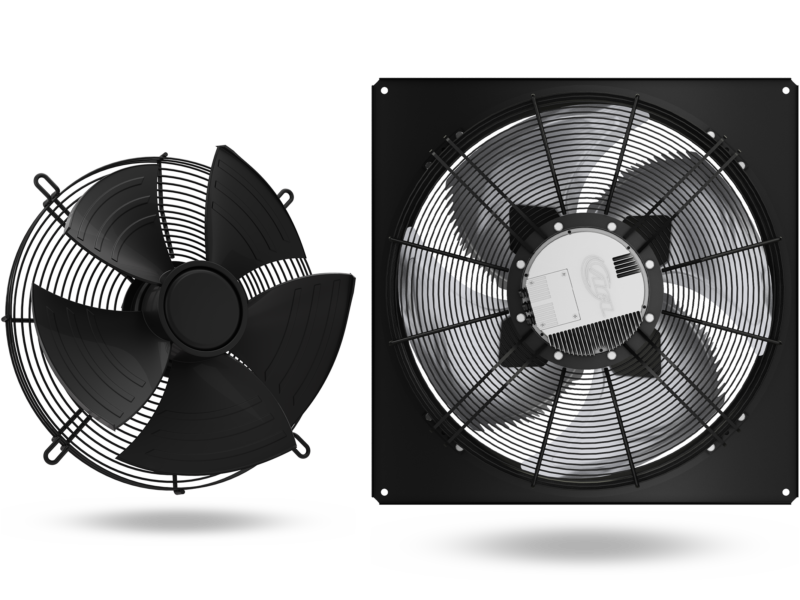
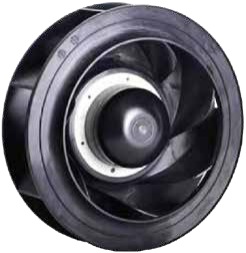 B3P220-EC072-100 product photo · AFL catalogue, page 87.Which details belong in an EC control-interface request?A reference to variable speed leaves the electrical interface and feedback requirements open. Describe the controller output and the response expected by the equipment.AFL product family illustration · axial fan. Individual mounting and accessories vary by suffix.How do I specify a DC fan for an equipment cabinet?Describe the DC bus range at the fan terminals, available current, enclosure air path and required cooling conditions.
Relevant product families
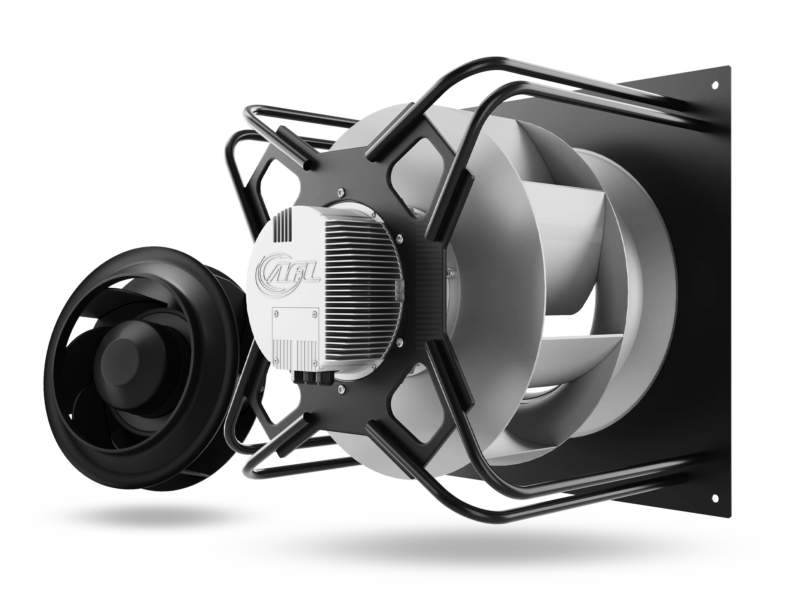 AFL product family illustration · centrifugal fan. Individual mounting and accessories vary by suffix.DC backward-curved fansDC backward-curved fans for equipment cooling. Define the DC supply, airflow resistance and mounting envelope before requesting a model-specific review.AFL product family illustration · axial fan. Individual mounting and accessories vary by suffix.DC axial fansDC axial fans for equipment cooling. Review the DC supply, enclosure air path, control requirements and mounting dimensions before model selection.
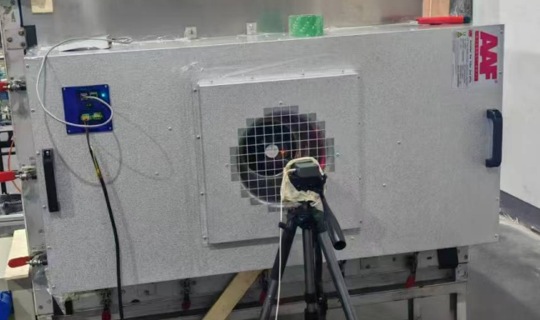 2 × 4 fan filter unit · AFL equipment presentation, slide 4.Cleanroom fan filter units (FFUs)